Allo App
AI onboarding, appointments, employee operations, client management, goals, social media, and core mobile UX.
The Challenge
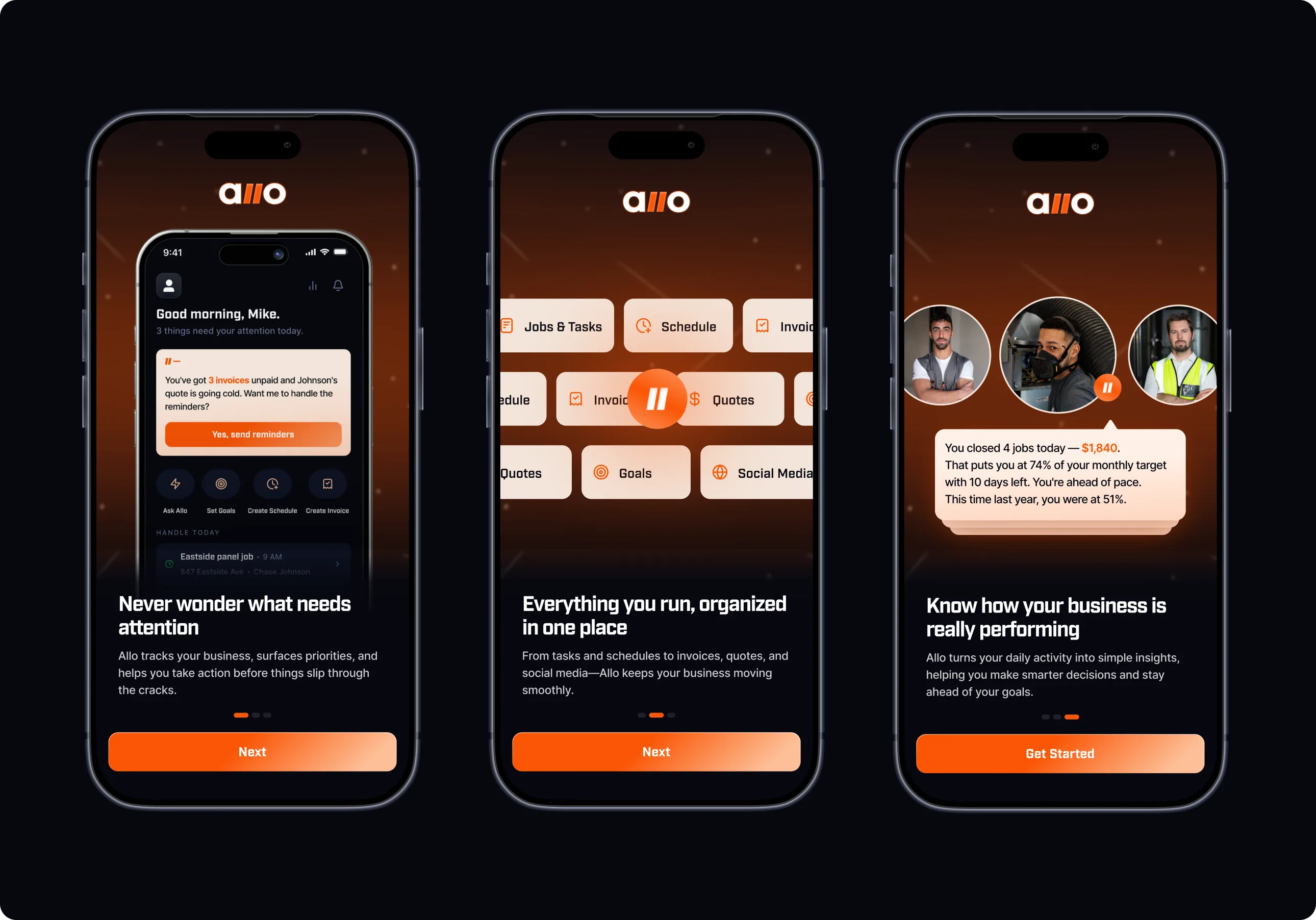
Allo wasn't just another business management app. The challenge was designing a product that could understand how a service business operates and use that context to reduce day-to-day decision making.
Instead of treating features like appointments, invoices, and clients as separate modules, I approached the product as a connected operating system where every action informs the next.
Onboarding
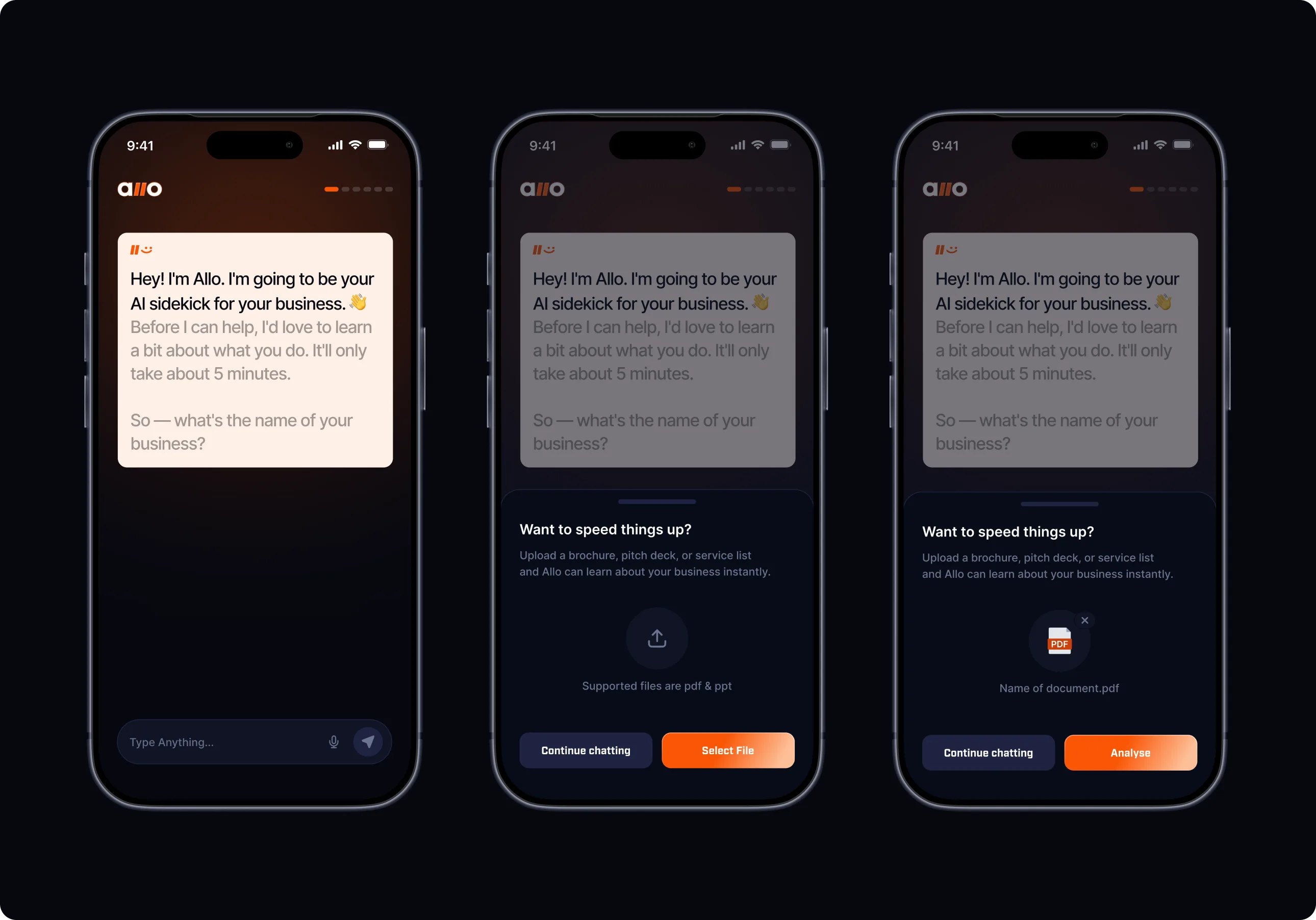
The first challenge was onboarding. Rather than forcing users through a long setup form, I designed a conversational onboarding that lets Allo gradually learn about the business.
One edge case stood out: some businesses already have brochures, service lists, or pitch decks.
Instead of making document upload a separate setup screen, I introduced it as an optional bottom sheet during the conversation. This kept the chat context intact while giving users a shortcut to teach the AI faster. I also worked through implementation tradeoffs with the development team to preserve both the UX and technical simplicity.
Home
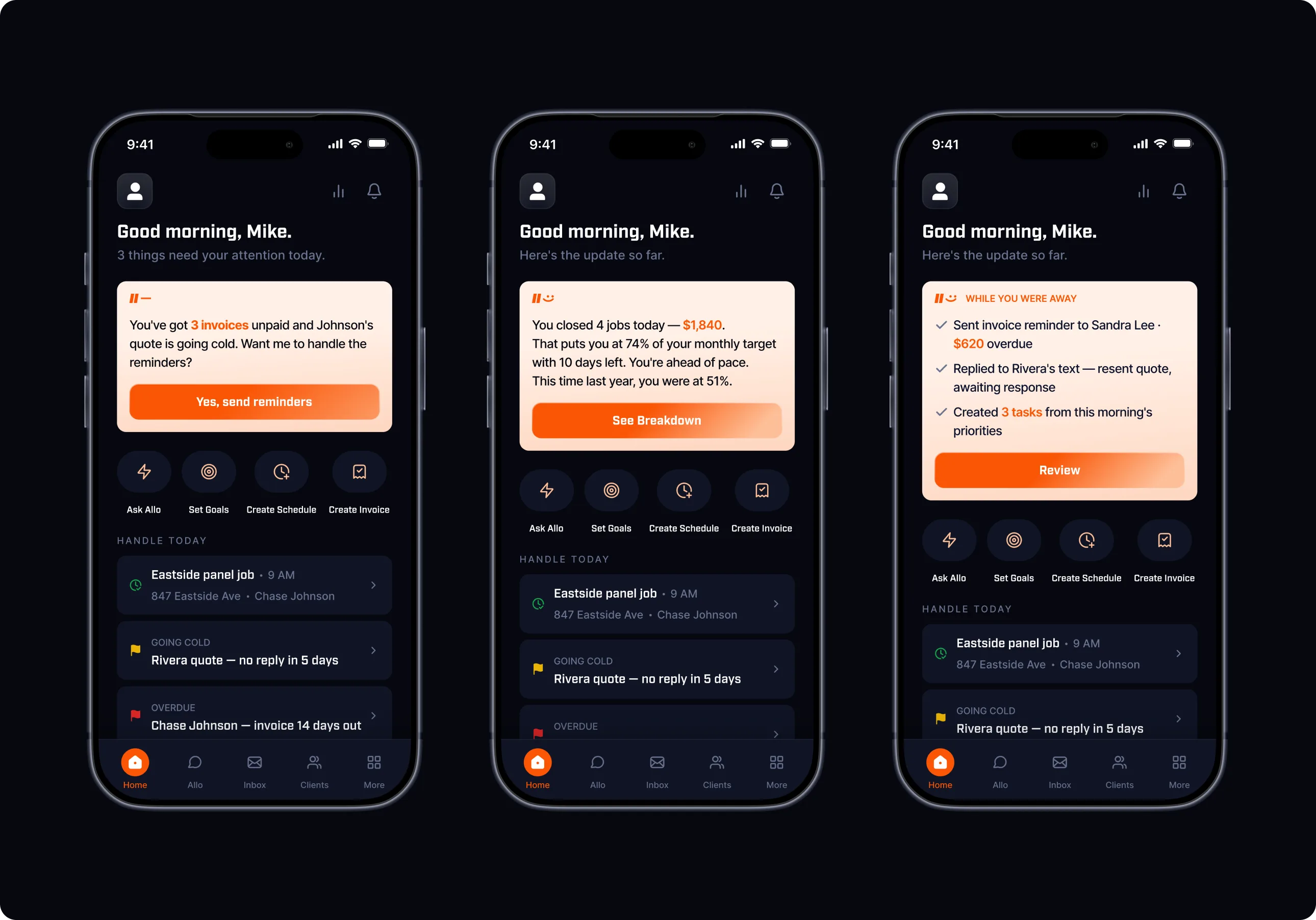
The homepage is built as a modular dashboard instead of one fixed layout, so operationally urgent info (today's jobs, updates & anything blocking payment) can surface first.
AI Chat
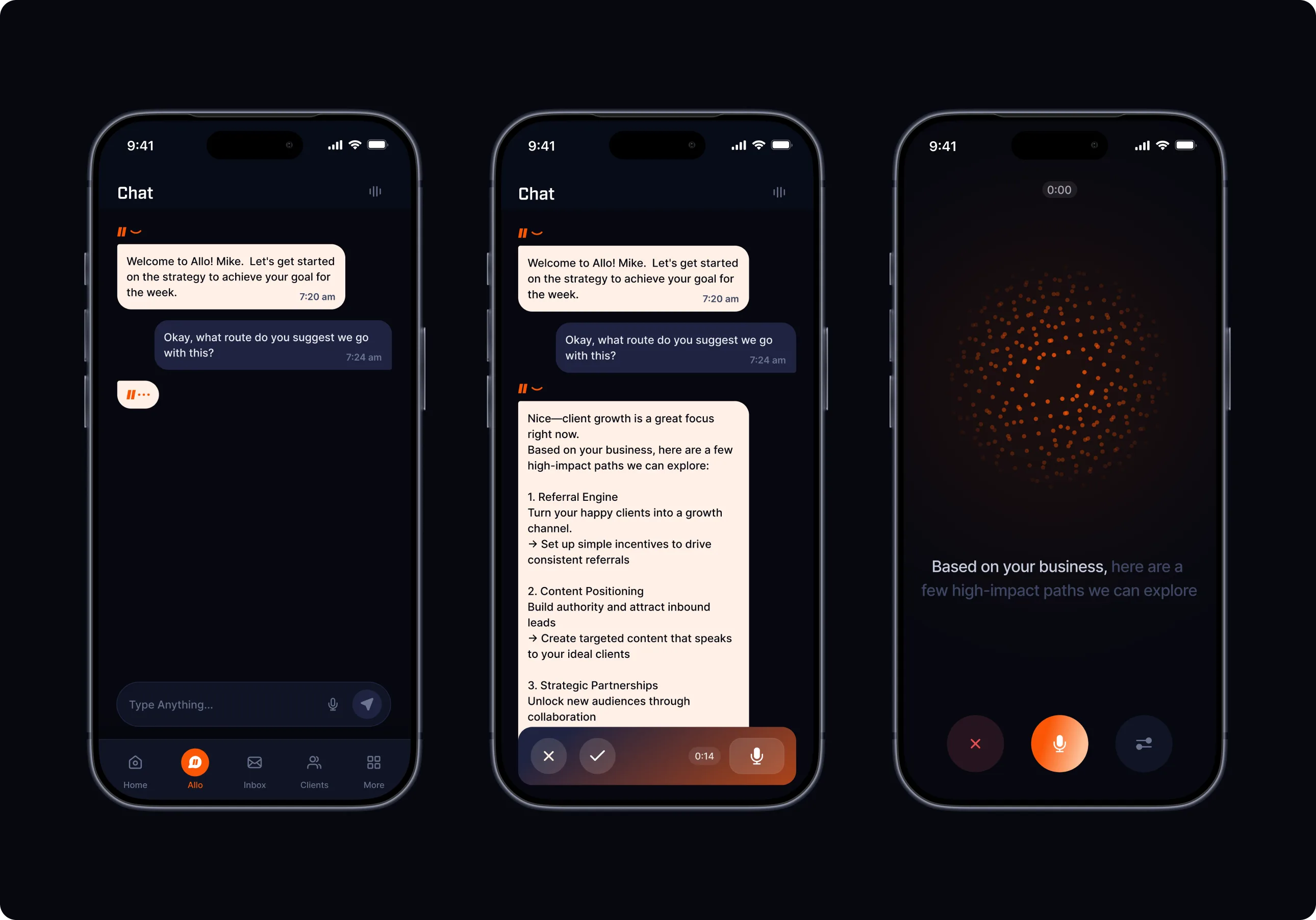
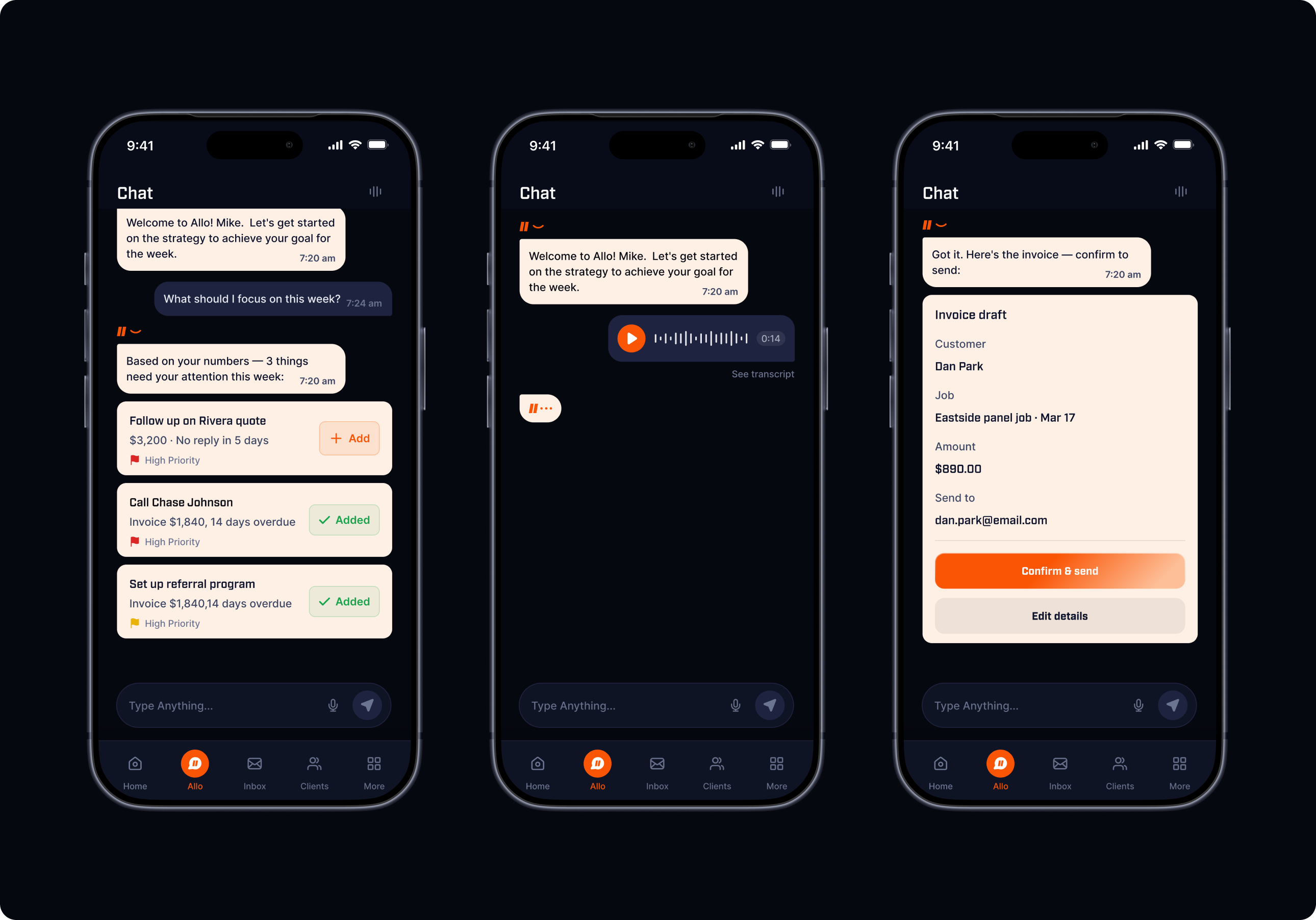
I challenged the idea of making Allo a traditional chatbot. Conversations needed to lead somewhere.
Instead of generic responses, I designed the AI to surface actionable next steps, following up on unpaid invoices, reminding owners about quotes going cold, or preparing invoices after completed jobs.
The biggest consideration was balancing conversation with quick actions, ensuring users could act immediately without leaving the chat.
Appointments
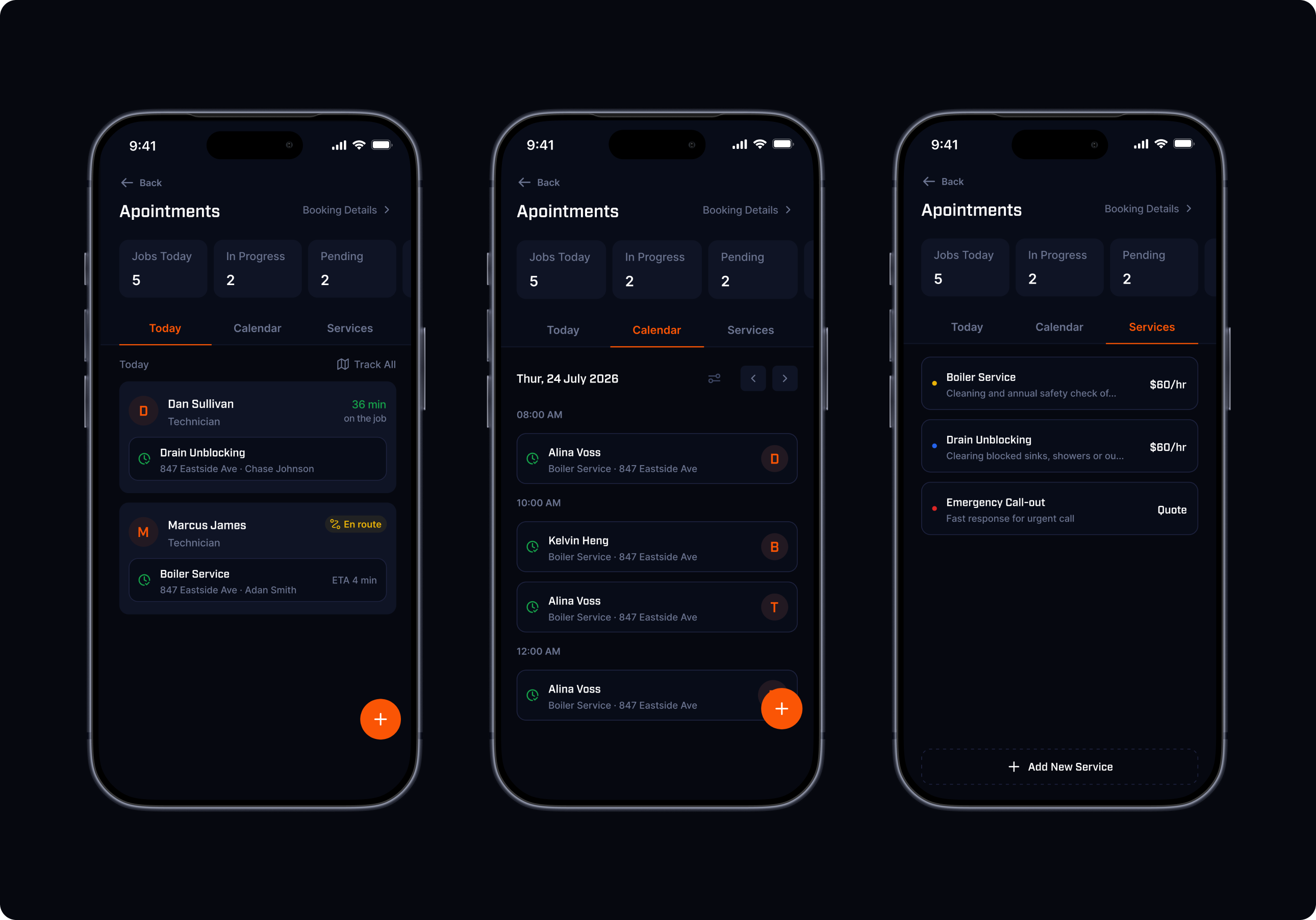
The appointments feature became much larger than scheduling.
I mapped the complete journey across three roles:
- Owner
- Employee
- Client
One important challenge was ensuring the owner never had to chase employees for updates.
That led to designing a live job lifecycle, from Assigned to Accepted, En Route, On Site, and Completed with AI narrating progress instead of relying on manual reporting.
I also designed around edge cases like double-booking prevention, recurring appointments, pending approvals, and employee reassignment.
Noteworthy
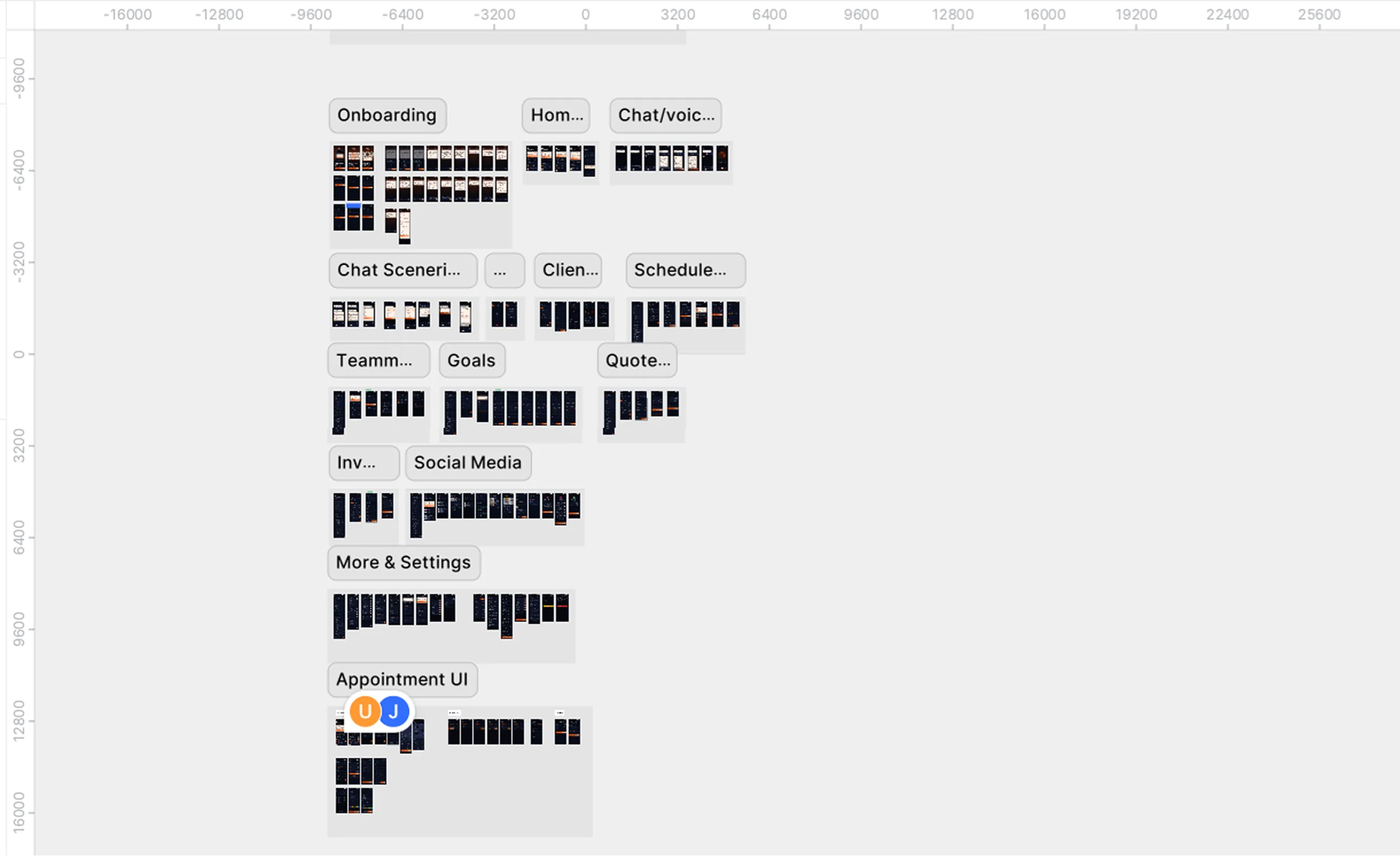
This case study captures only a fraction of Allo's design journey. The full product spans dozens of interconnected mobile flows, operational systems, and edge-case explorations that evolved through ongoing collaboration with developers and product discussions. I've curated the moments that best reflect my product thinking and decision-making process rather than documenting every screen designed.
What I Learned
Designing Allo reinforced that the quality of an AI product depends on the quality of the context it receives.
The most important work wasn't designing beautiful screens, it was designing how information moves through the product.
Every service, appointment, client interaction, and employee update became part of a connected system that helps business owners spend less time managing operations and more time running their business.